Upload a clear photo
Use a recent, front-facing color photo taken against a plain white or off-white background.
Fit one clear photo to visible 2 × 2 inch guides, then download a free single image or a ready-to-print 4×6 sheet.
No account, checkout, or complicated editing software.
Use a recent, front-facing color photo taken against a plain white or off-white background.
Center the face and adjust the crop until the head fits inside the visible size markers.
Save one 2×2 image or a 4×6 sheet with six copies and print it at actual size.
A correctly sized crop cannot fix a poor source photo. Start with even lighting and an unchanged image.
The editor helps with crop and layout; it does not make an unacceptable photo acceptable.
Plain background, clear features, no harsh shadows.
Move away from the wall and add soft, even front lighting.
Step farther from the camera and leave room around the head.
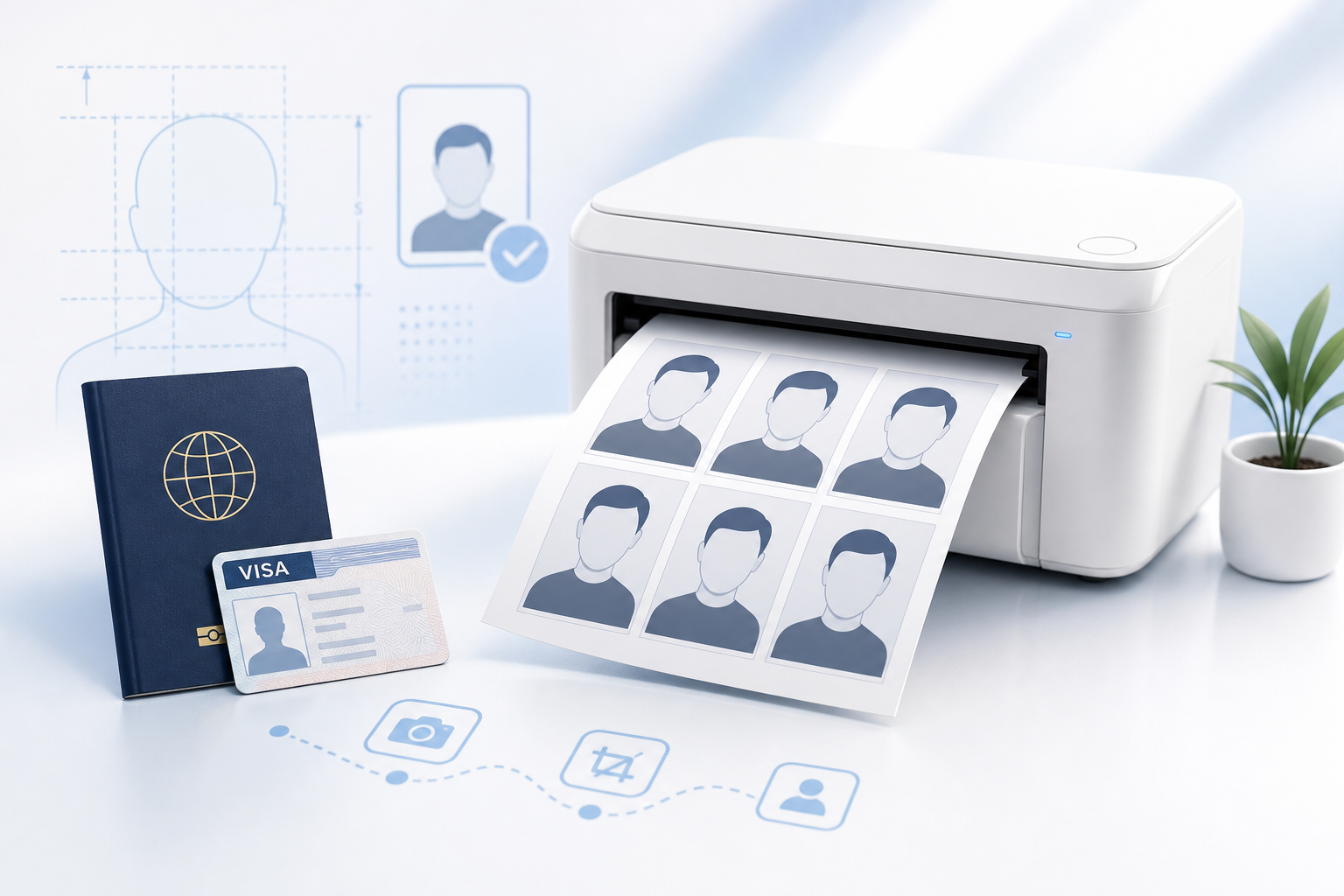
Download a print-ready sheet and use a standard photo-printing service. Select 4×6 photo paper and disable fit, crop, or border adjustments.
Yes, but it must meet all current Department of State requirements. The tool helps with crop and print layout; the source photo must already have acceptable lighting, background, expression, and image quality.
Use a neutral expression with both eyes open and mouth closed. Eyeglasses should be removed unless a rare medical exception applies.
No. The workflow is designed for crop, positioning, and print layout. U.S. guidance says not to digitally alter the photo using filters, AI, or retouching.
No tool can guarantee acceptance. A Department of State employee makes the final determination.
Upload once, align to the guide, and download without a watermark.